The following training videos have been developed for authorized providers who have been approved to use the eHR Viewer. The videos are grouped based on a user's specific roles.
Mandatory introduction training videos
In-application help documents
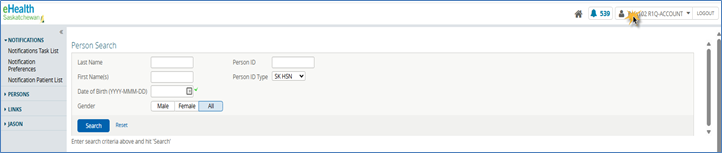
Once you are logged into the eHR Viewer, you can access help documents on each screen. Click on your username in the upper righthand corner and select Help.
The help document content will be different depending on the page of the eHR Viewer and will also vary depending on the type of patient information displayed (for example: a PDF lab report vs a textual lab report). A separate browser window will open for you to view the help content.
Approver Training
Training materials for users who have been identified as an eHR Viewer approver for their organization.
Approver privacy and security of the eHR Viewer
Approving an electronic application
Delegating approver duties for the eHR Viewer
Disabling an end user's account for your organization
QuickStart
Recovering forgotten password
Registering for access to the eHR Viewer
The responsibilities of an approver
Chronic Disease Management – Quality Improvement Program training
Training sessions developed for health care professionals and their designated staff members enrolled in the Chronic Disease Management – Quality Improvement Program (CDM-QIP).
Access Chronic Disease Management training